> ## Documentation Index
> Fetch the complete documentation index at: https://adadvisor.ai/docs/llms.txt
> Use this file to discover all available pages before exploring further.
# Create Your Account
> Sign up for AdAdvisor, verify your email, and log in for the first time.
You can create an AdAdvisor account using your email address or your Google account. Both options take under a minute.
## Sign up with email
Visit [app.adadvisor.ai/auth/signup](https://app.adadvisor.ai/auth/signup) or click **Get Started** from the AdAdvisor homepage.
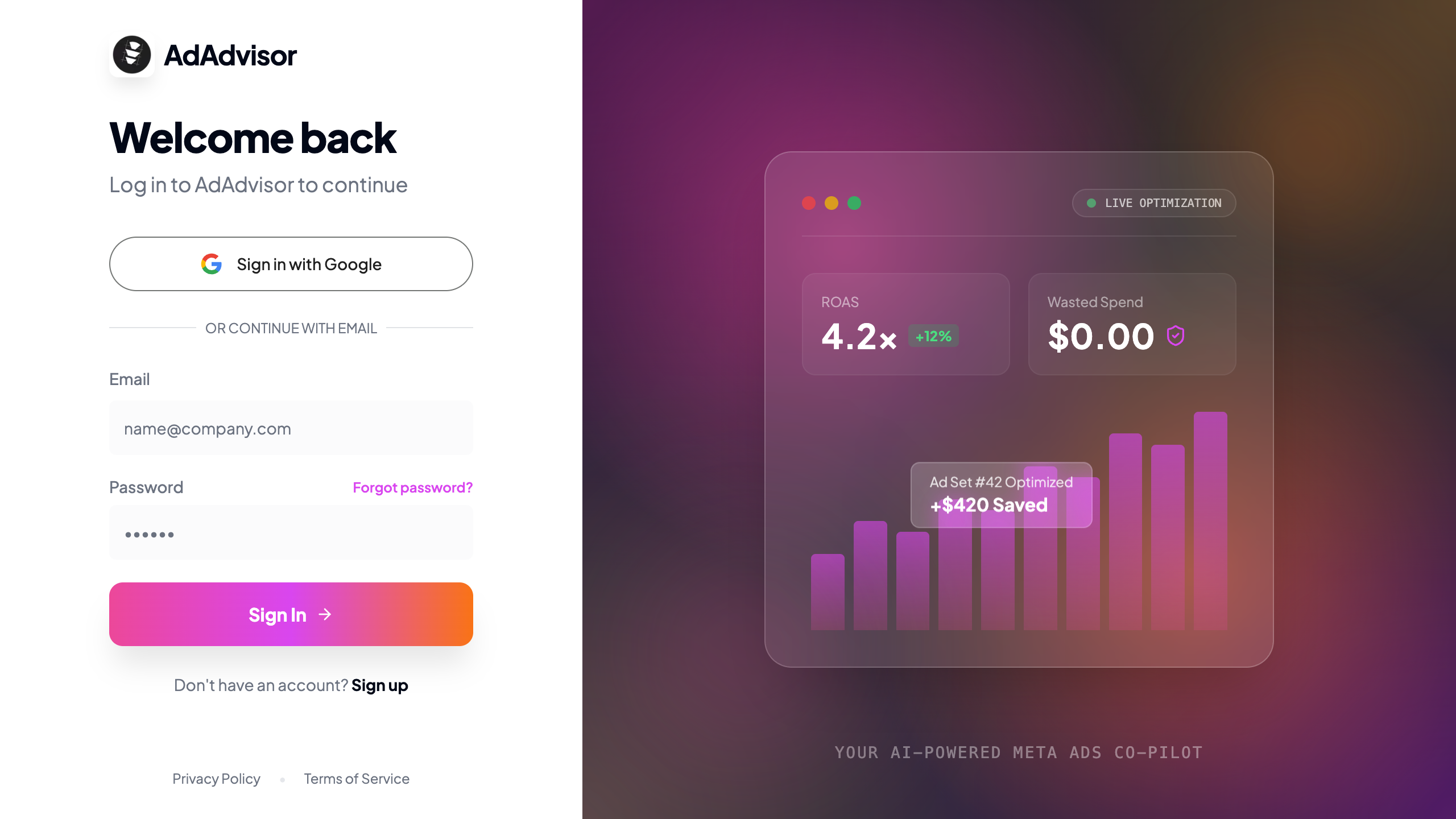 Fill in your **work email**, choose a **password** (minimum 6 characters), and confirm it.
You'll receive a verification email from AdAdvisor. Click the confirmation link to activate your account.
If you don't see the email within a couple of minutes, check your spam or junk folder.
After clicking the link, you'll be redirected to AdAdvisor and the onboarding flow will begin automatically.
## Sign up with Google
On the signup page, click the **Sign up with Google** button.
Google will ask you to confirm which account to use. Select your account and approve.
No email verification needed. You'll land directly in the onboarding flow.
## Log in to an existing account
Go to [app.adadvisor.ai/auth/login](https://app.adadvisor.ai/auth/login) and enter your email and password, or click **Sign in with Google**.
## Reset your password
Forgot your password? No problem.
On the login page, click the **Forgot password?** link below the password field.
Type the email address you used to sign up and click **Send Reset Link**.
You'll get an email with a reset link. Click it to set a new password.
Enter your new password (minimum 6 characters), confirm it, and click **Update Password**. You'll be redirected to the login page.
After resetting your password, you'll need to log in again with your new credentials.
## What's next?
Once you're signed in, AdAdvisor will walk you through onboarding. Head to the [Onboarding Walkthrough](/docs/user-guide/onboarding-walkthrough) to see what's coming.
Fill in your **work email**, choose a **password** (minimum 6 characters), and confirm it.
You'll receive a verification email from AdAdvisor. Click the confirmation link to activate your account.
If you don't see the email within a couple of minutes, check your spam or junk folder.
After clicking the link, you'll be redirected to AdAdvisor and the onboarding flow will begin automatically.
## Sign up with Google
On the signup page, click the **Sign up with Google** button.
Google will ask you to confirm which account to use. Select your account and approve.
No email verification needed. You'll land directly in the onboarding flow.
## Log in to an existing account
Go to [app.adadvisor.ai/auth/login](https://app.adadvisor.ai/auth/login) and enter your email and password, or click **Sign in with Google**.
## Reset your password
Forgot your password? No problem.
On the login page, click the **Forgot password?** link below the password field.
Type the email address you used to sign up and click **Send Reset Link**.
You'll get an email with a reset link. Click it to set a new password.
Enter your new password (minimum 6 characters), confirm it, and click **Update Password**. You'll be redirected to the login page.
After resetting your password, you'll need to log in again with your new credentials.
## What's next?
Once you're signed in, AdAdvisor will walk you through onboarding. Head to the [Onboarding Walkthrough](/docs/user-guide/onboarding-walkthrough) to see what's coming.